
Signing you in…
Verifying your link.
Thank you, your support genuinely helps me build new tools.
TAS Base v1.6.2
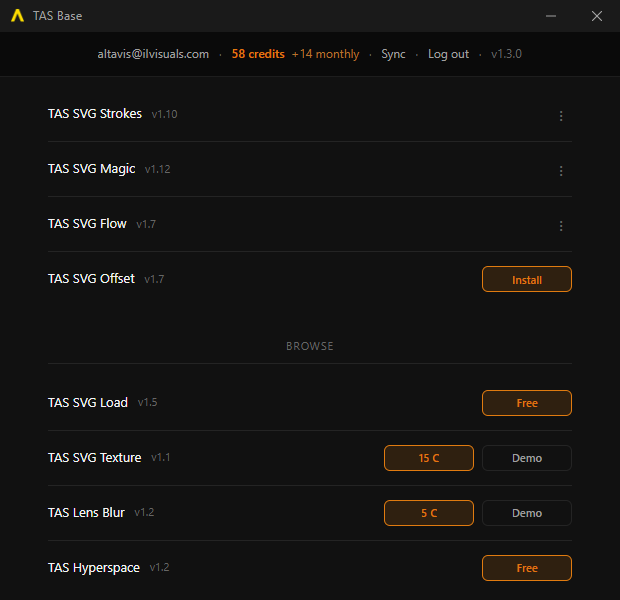
TAS Base is required to install plugins and apps. Easily sync, install and update everything including plugins, presets and demo files from one place with just one click. Up to 2 devices can be signed in at once. Remove one here or log out a machine to free a slot for a new one.
All plugins ship with presets, so make sure to check them out from the effect preset selector! On Windows, if SmartScreen warns you, click More info and then Run anyway.
Email me about new releases and gifts
Gifts are delivered by email, so switching this off means you will not receive them. Account emails (login links, password reset, purchases) are always sent.
Report a beta issue
Found a bug or have feedback? Pick the plugin or app, describe it, and attach a screenshot or the SVG that caused it if you like.
My Plugins